Loading...
play.jellymine.net
Click to copy IP
Loading...
discord.jellymine.net
Click to join
Avatar
Welcome to JellyMine.Net
Create an account or log in to become part of our Minecraft community.
Internet Explorer: Internet Explorer is not supported. Please upgrade to a more modern browser.

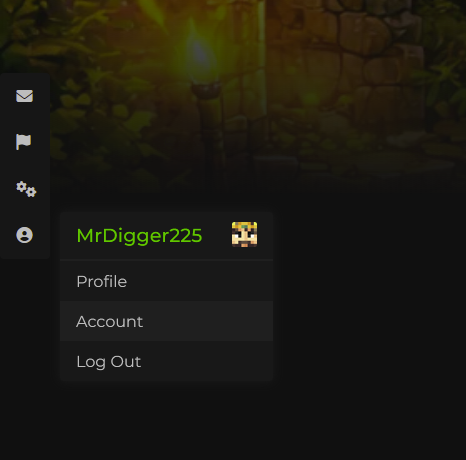
1. After registering and logging in successfully, open your profile from the left sidebar and go to Account to begin syncing your Jelly Mine account across the website, Discord, and in-game.
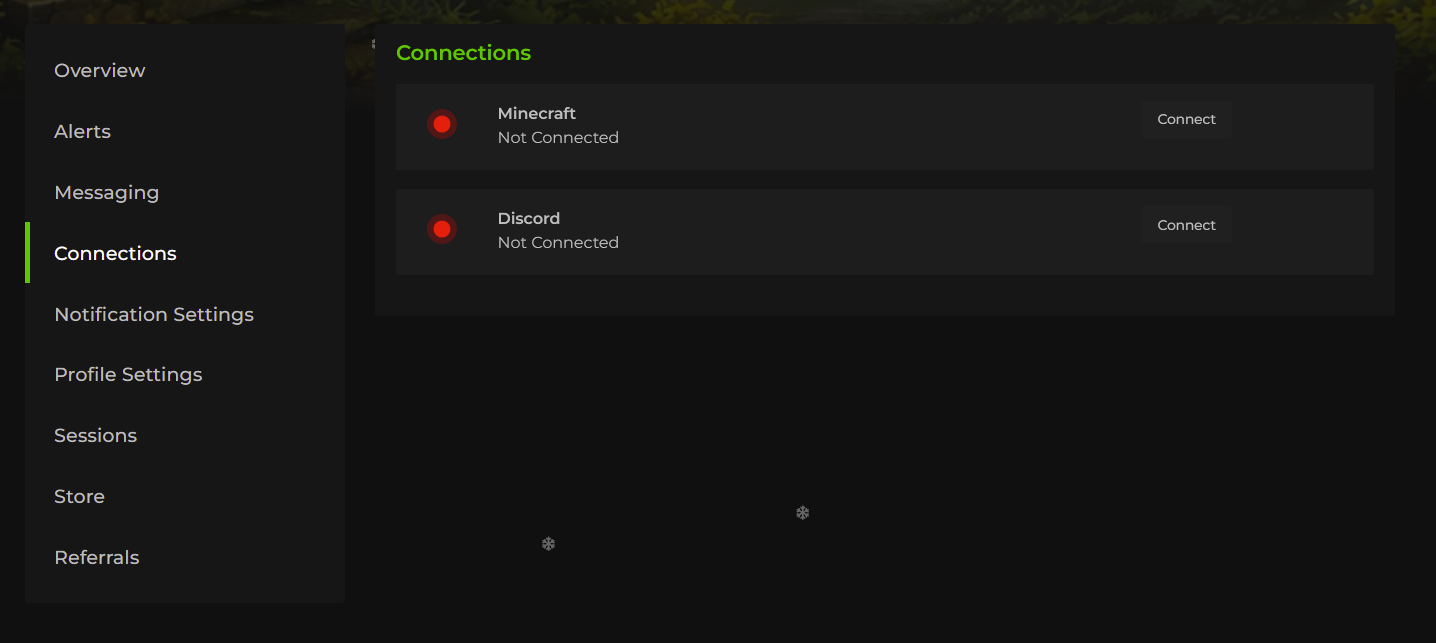
2. Navigate to Connections, then click Connect for both Minecraft and Discord one by one.
3. Connect Minecraft:
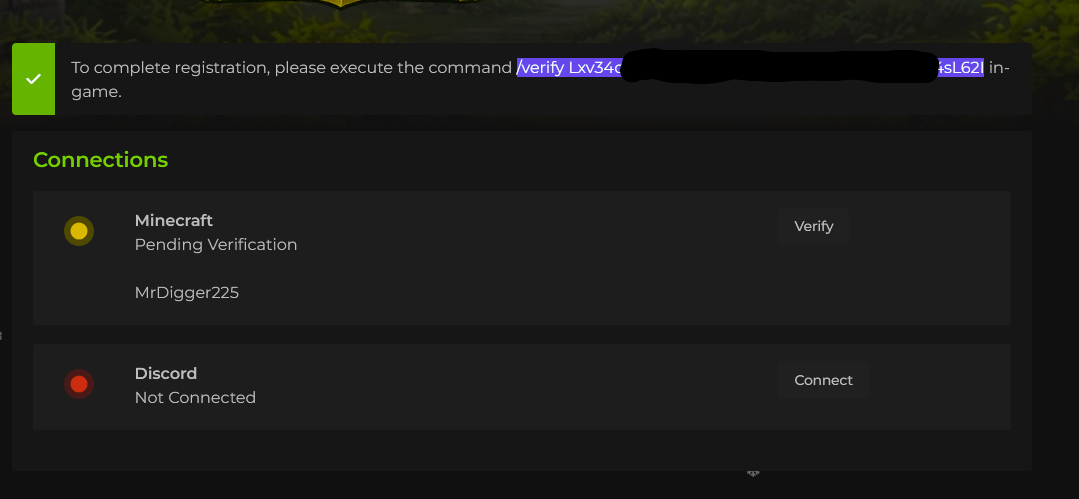
  • Click Connect next to Minecraft.
  • Copy the generated command with your unique verification code.
  • Open Minecraft, join JellyMine and paste the command into the in-game chat, then execute it.

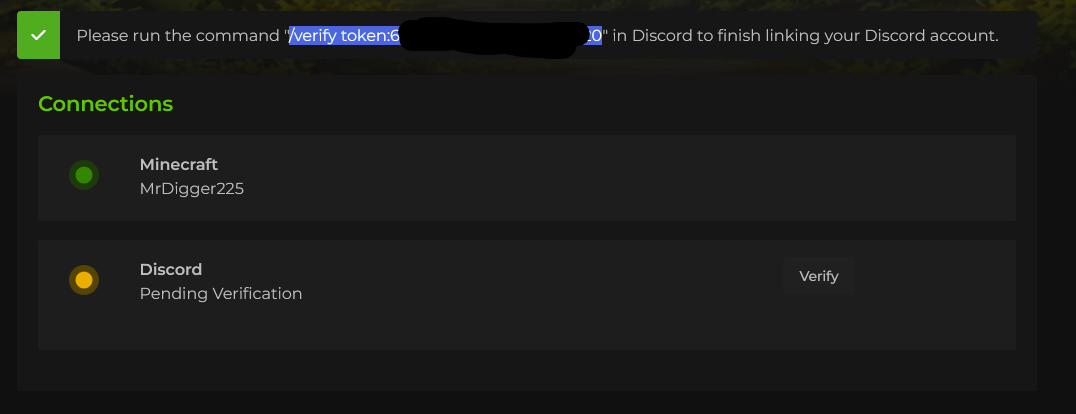
4. Connect Discord:

  • Click Connect next to Discord.
  • Copy the generated command with your unique verification code.
  • Paste the command into any Discord channel.
  • When prompted, select the /verify option labeled:
    "Verify your Discord account connected to the website."

6. You will receive a confirmation message in Minecraft or Discord once your account has been successfully connected.
44